Back to ZAZE



Add ZAZE to your home screen
Takes about a minute. No app store, no download size, always up to date.
On this device
Detected: This device
Changed phone or cleared your browser data? Tap “Try again” to re-check this device.
- 🧭Open zaze.me in Chrome, Edge or Safari.
- ➕Use the browser menu and choose “Install app” or “Add to Home Screen”.
iPhone & iPad (Safari)
- 1Open zaze.me in Safari (not Chrome — only Safari can install on iPhone).
- 2Tap the Share button at the bottom of the screen.
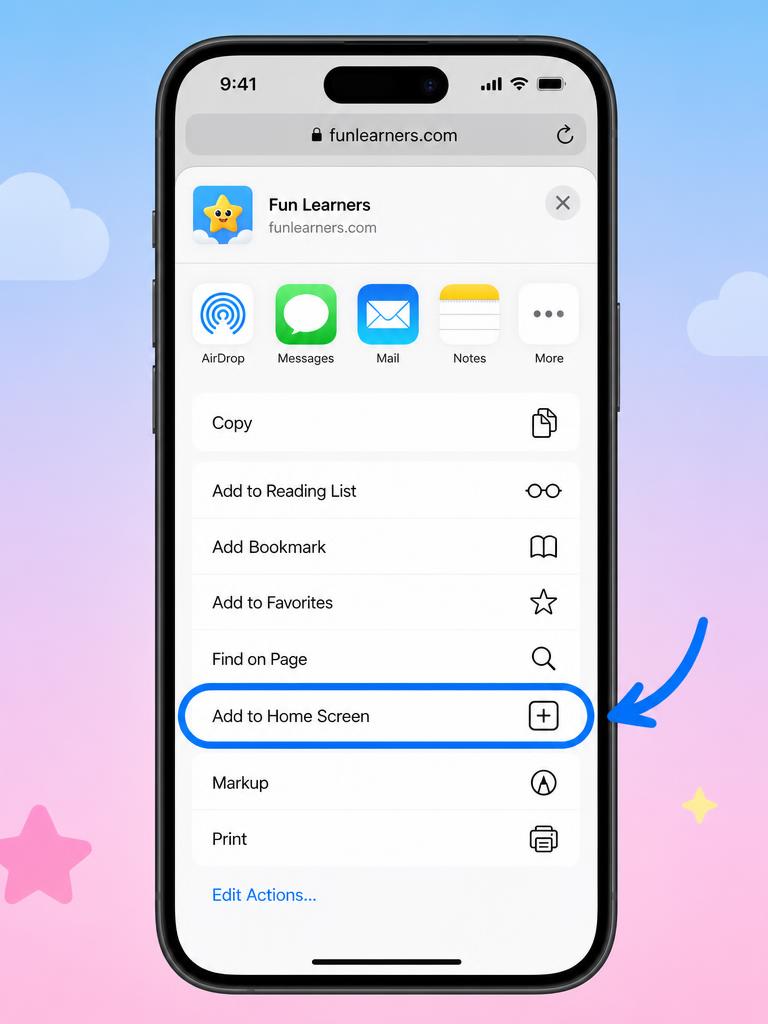
- 3Scroll down and tap “Add to Home Screen”.
- 4Tap “Add” — the ZAZE icon appears on your home screen.
Only Safari can add apps to the iPhone home screen — Chrome and Firefox on iOS cannot.
Done it?
Tap below and we’ll stop showing install reminders on this device.